 User guide
Welcome to Pocpod#
Pocpod is electronic proof of delivery (ePOD) software built for vehicle transport companies, car transporters and vehicle delivery teams. It replaces paper delivery notes and scattered updates with one digital workflow for capturing collection and delivery evidence, recording vehicle condition and damage, and sending customer-ready reports. This guide takes you from a new account to a completed collection, delivery and customer report.
The short version: office teams create, assign and monitor jobs in the portal. Drivers use the app to capture the vehicle, its condition and the customer's sign-off. The finished proof and report return to the portal.
Understand the portal and app#
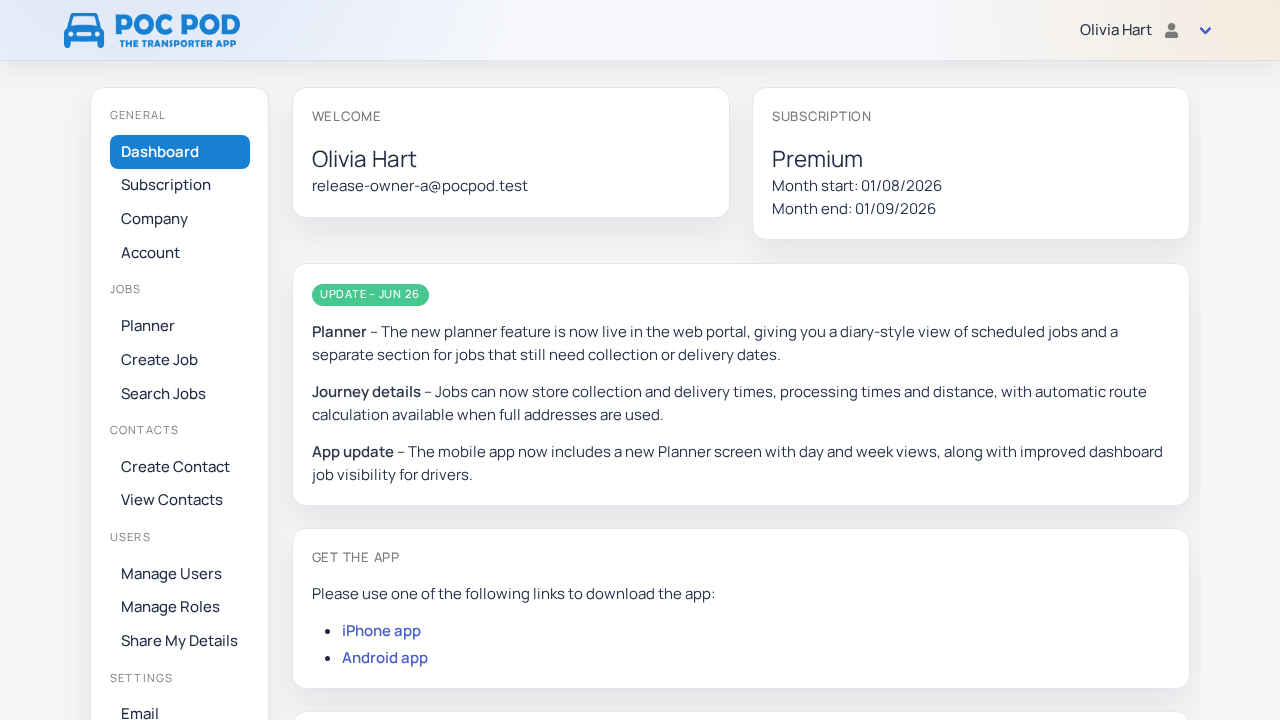
Use the portal in a desktop or mobile browser for business setup, contacts, job planning, team access, reports and billing. Its menu is grouped into General, Jobs, Contacts, Users and Settings.
Use the Pocpod app on Android or iOS for work in the field. The app can show assigned jobs, create work directly, record collections and deliveries, take photos, mark damage, collect signatures and send reports.
Both surfaces use the same account and data. A contact created in the portal can be selected in the app. A job assigned in the portal appears for the driver after sync. A proof completed in the app appears in the job history and reports in the portal.
Follow the first-day checklist#
For the smoothest start, complete these tasks in order:
- Create your account and sign in.
- Add your company details and proof settings.
- Choose a subscription and add enough user capacity.
- Invite users and give them suitable roles.
- Create your regular customers as contacts.
- Create and assign a job.
- Set up invoicing and take customer payments, if your business will use online payments.
- Open the job in the app and complete the collection or delivery.
- Review and share the finished report.
You can also create a job directly in the app when work begins away from the office.
Know the main workflow#
A job represents a vehicle movement. It contains the customer, collection and delivery details, one or more vehicles, schedule information and the assigned user.
A proof is the evidence recorded at collection or delivery. It can include vehicle details, mileage, photos, damage markers, notes, accessories, customer details and a signature.
A report is the shareable result built from that proof. Office users can review it in the portal; drivers can send it as part of sign-off.
A contact is a saved person or organisation. When that contact is selected as the customer on a job, Pocpod copies the relevant details into the workflow.
Choose where to do a task#
- Use the portal to configure the account, manage subscriptions, invite people, create roles, maintain contacts, create or search jobs, schedule work and review reports.
- Use the app to work offline or on the road, complete proof steps, capture photos and signatures, send reports and view recent history.
- Use either surface to create straightforward jobs or contacts when the option is available to your role.
- If a menu item is missing, the account owner may need to grant the relevant permission.
Learn with the screenshots#
Screenshots in this guide come from Pocpod release checks. Example names, registrations and addresses are demonstration data. Android and iOS use the same workflow, although spacing and operating-system controls may look slightly different.
The navigation on the left is a tree index of every article. On a phone, select Menu at the top to open it. Use Search the guide to filter article titles.